


Ages 9+
Train an image classifier
Teach a computer to sort pictures by showing it examples.

Blog
AI vs Robotics for kids: which should your child learn first? If your child is 9 to 12, you have probably seen coding classes, robotics clubs, AI programmes, STEM camps and endless online courses. AI and robotics are two of the most exciting choices. The good news? Neither is automatically better. They build different skills, and the right pick depends on how your child likes to learn.
This guide explains what AI and robotics mean for kids, how they differ, the skills each one builds, and what children aged 9–12 can realistically learn. You will also get a simple learning path and a quick checklist to help you choose a programme with confidence.

By Rupendra

Published 12 August 2026

Updated 25 September 2026

13 min read
Quick AI vs Robotics Overview

Best for
Parents of children aged 9–12

Compares
AI and robotics learning paths

Skills
Coding, problem-solving, creativity, AI literacy

Includes
Parent checklist and 4-stage learning path
Sources
UNESCO and AI4K12 frameworks
Key takeaways

Neither AI nor robotics is automatically better; your child's interests should guide the choice.
Robotics is hands-on and physical, while AI is more digital and data-focused.
A robot does not need AI, and an AI programme is not automatically a robotics programme.
Look for programmes that teach concepts, not just tools, through real projects.
If your child loves both, combining AI and robotics builds a powerful foundation.
Neither subject wins every time. Robotics lets children build and control physical machines. AI introduces systems that recognise patterns, learn from data, make predictions, understand language or interact with people.
For most children aged 9–12, the best path is not choosing one technology forever. A good programme introduces both and helps your child discover what they enjoy.
UNESCO's 2024 AI Competency Framework for Students says children should move from understanding AI to applying it and then creating with it, while also growing human-centred thinking and ethical awareness.

Start with what your child already enjoys; motivation is the best teacher.
Artificial intelligence, or AI, is a broad name for computer systems that can recognise patterns, make predictions, understand language or make sense of information.
For ages 9–12, that should not mean advanced maths or complex programming, but friendly big ideas like those below. (Data is simply the information a computer learns from.)
The AI4K12 initiative builds school AI education around five big ideas: perception, representation and reasoning, learning, natural interaction, and societal impact. So AI is much more than using a chatbot. A strong programme shows how AI works, its limits, and how to question its answers.
The aim is not an AI engineer at 10, but AI literacy, computational thinking (breaking problems into logical steps), creativity and curiosity.
How computers recognise patterns
How machines learn from examples
What data is
How image or speech recognition works
Why AI sometimes makes mistakes
How humans and machines decide differently
What makes an AI system useful or unreliable
How AI can affect people and society
How to use AI responsibly
Ages 9+
Teach a computer to sort pictures by showing it examples.

Ages 9+
Discover how computers spot objects in a photo.

Ages 10+
Make a basic system that suggests things, like a video app does.

Ages 9+
Test how a computer understands spoken words.

Ages 9+
Train a computer to tell categories apart.
Ages 10+
Explore how chatbots process language.
Ages 10+
Compare your guesses with the computer's guesses.

Ages 11+
Design a simple AI-powered idea that helps people.
AI curriculum area
What children learn
AI foundations
What AI is and is not
Data
How information is collected, represented and used
Machine learning
How systems learn patterns from examples
Perception
How computers process images, sound and other inputs
Reasoning
How systems use representations and rules to decide
Natural interaction
How people interact with AI
Ethics
Why fairness, privacy, safety, responsibility and human judgement matter
AI creation
How to design and evaluate simple AI solutions
A good AI curriculum covers more than generative AI tools, as the table shows.
Robotics mixes STEM subjects (science, technology, engineering and maths) to create machines that sense their surroundings, process information and act.
A typical kids' project follows this chain: Sensor → Program → Decision → Motor/action. For example, a robot can detect an obstacle and change direction. That tiny task teaches all the ideas in the list below.
Robotics suits children who love making things with their hands, because they see results instantly. If the robot turns the wrong way, there is a real puzzle: why did that happen? The best programmes go beyond copying a kit and ask, "What happens if I change this?", the heart of engineering and science.
Programming
Sensors
Motors
Logic
Automation
Engineering design
Cause and effect
Testing and debugging (finding and fixing mistakes)

Put together structures and simple circuits.

Sensors notice things; motors make the robot move.

Code tells the robot what to do and when.

Nothing works first time, and that is the fun part.
Plan, solve problems and design better solutions.
The easy way to remember it: AI makes computer systems do tasks linked to intelligence, while robotics creates and controls physical machines.
The two overlap, but a robot does not always use AI. A robot with the rule "if the sensor detects an object, turn left" is robotics without machine learning. A robot with trained computer vision that can tell a ball from a person or an obstacle is where AI and robotics meet.
So a robotics programme is not automatically an AI programme, and the reverse is true too.
Factor
AI for Kids
Robotics for Kids
Main idea
Teaching machines to perform tasks that involve intelligence
Building and programming physical machines
Learning style
More digital and data-focused
Hands-on and physical
Common activities
Image recognition, pattern detection, chatbots, simple machine learning
Building robots, sensors, motors, automation
Key skills
Data thinking, logic, AI literacy, critical thinking
Engineering, coding, problem-solving, design
Best for children who enjoy
Computers, patterns, experiments, digital tools
Building, movement, machines, hands-on projects
Physical interaction
Usually lower
Usually high
Coding
Often included
Usually included
STEM connection
Computer science, mathematics, data
Engineering, physics, computer science
Beginner-friendly?
Yes, when taught visually and practically
Yes, especially with age-appropriate kits
Long-term value
Understanding increasingly common AI systems
Strong engineering and programming foundation
Check the course outline: what is taught matters more than the label.
Both subjects build valuable skills, with a different spotlight. For ages 9–12, the best programmes focus on understanding and experiments, not memorising code syntax (the exact spelling rules of a programming language).
And do not assume a child who loves building will not enjoy AI. Taught through games, visual tools, real-world problems and projects, AI is creative and experimental too.
AI and Robotics
Both break big problems into small steps. "Why isn't my robot reaching the finish line?" and "Why is my model misreading these images?" both lead to debugging.

Robotics
Code controls the robot and its parts.

AI
Code works with information and smart systems.

AI and Robotics
Children design their own solutions instead of filling worksheets. UNESCO's framework includes AI system design, so students create with AI rather than only consume it.
Robotics
Robotics is usually more physical; much AI work happens on a computer. Robotics is a great start for kids who love to touch, build and test.

Ages 9–12
There is no universal answer. Robotics gives instant feedback: Code → Action → Result. AI can feel more abstract, as a child must see why a model changes when the data changes.
The easiest clue is what your child says and asks every day. Age helps too, but the quality and age-appropriateness of the curriculum matter more than the words "AI" or "robotics".

Robotics first
Robotics may be the better start. Look for projects with sensors, motors and construction, and age-appropriate competitions.

AI first
AI may be the better start, especially for kids who prefer computers to building. Look for AI literacy, machine learning and pattern-recognition activities.
Combined path
Excellent! A combined programme can mix coding, robotics, AI and computational thinking. Your child might move from programming a robot's movements to teaching it to recognise objects.

Age 9
For a total beginner, hands-on robotics is a great entry point. AI works well too when designed for younger learners.

Age 10
Ready for more structured projects linked to real-world problems.
Age 11
Ready for multi-step projects, and for learning that a computer's answer is not automatically correct. UNESCO puts ethics alongside technical skills.

Age 12
Ready to connect AI, robotics, coding and engineering. The order matters less than a strong foundation.
AI before robotics, or robotics before AI? Neither is required. Robotics builds foundations for AI: sensors, inputs and outputs, programming, automation, decision-making and physical systems. But AI can be learnt alone through digital projects; AI4K12 treats it as its own area of knowledge.
Better to ask: which subject will make my child want to keep learning? Excited children experiment, ask and keep going.
Learning both is powerful too: a small robot that senses, processes, decides and acts links robotics with intelligent systems. Still, one idea taught well beats an impressive project where the child only follows instructions.
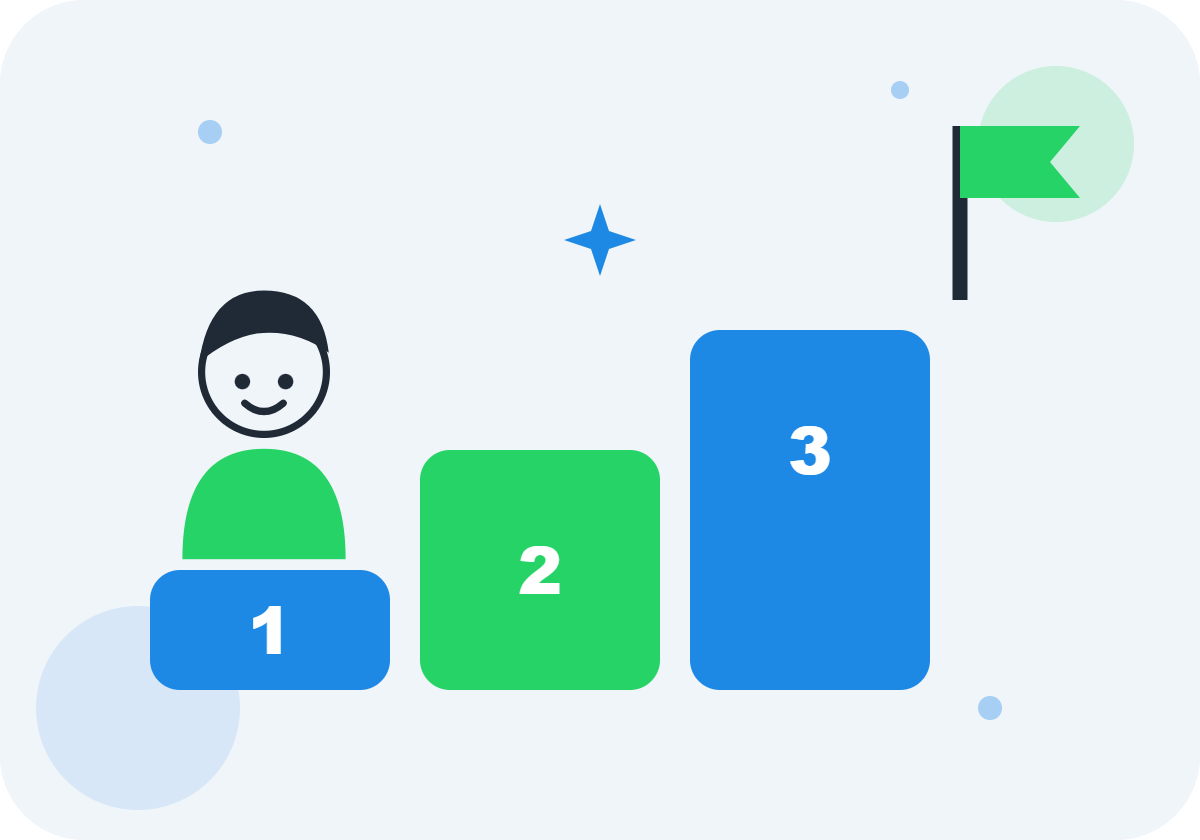
1
Let your child explore both through simple coding, robotics challenges, AI demonstrations and STEM projects.
2
Notice what they choose to do. Building things? Lean towards robotics. Computers and patterns? Explore AI. Both? Look for an integrated STEM programme.
3
Focus on coding fundamentals, computational thinking, problem-solving, creativity, communication, collaboration, and testing and debugging.
4
Once the basics are strong, move to harder AI, robotics, programming or engineering projects, without rushing ahead of the skills underneath.
What is taught matters more than the programme's label. Before you enrol, ask:
Is the curriculum designed specifically for ages 9–12?
Does my child get to create projects?
Does the programme teach concepts rather than only tools?
Is coding taught at an appropriate level?
Are children encouraged to experiment and debug?
Does the instructor explain why, not just how?
Does the programme encourage creativity?
Does AI education include responsible and ethical use?
Can my child progress to more advanced projects?
Does the subject genuinely interest my child?
Look for
A university course should not be repackaged for 10-year-olds.

Look for
Children should make, test and improve things. UNESCO's review of K–12 AI curricula found project-based learning to be a leading method and stressed teacher preparation. Ask to see finished student projects, not just topics.
Look for
Apps change fast. UNESCO recommends AI education not tied to particular brands, so ideas carry over.

Avoid
"Advanced AI robotics" sounds impressive, but understanding the basics beats memorising steps.

Avoid
A famous kit does not guarantee good teaching.
Avoid
Your child need not pick AI or robotics engineering yet. Aim for curiosity, problem-solving, computational thinking, creativity and confidence.
Avoid
Generative AI is only one part of AI. UNESCO stresses responsible, ethical use and knowing both what AI can do and its limits.
Outcomes vary with curriculum, instructor, prior experience and programme design, so ask before you enrol.
AI Kids offers AI and robotics learning for children aged 6 to 16 in Hyderabad, online and offline, so your 9–12-year-old can explore either path, or both.
Our project-based curriculum mixes fun with real-world learning, guided by experienced mentors. Unsure which path fits? Book a free demo class and let your child try first.

AI
Eight modules using Scratch, Teachable Machine and Google AI Kit.

Robotics
Eight modules using Arduino, Scratch, robotics kits and sensors.
Ages 6–16
Interactive live sessions with personal support.

Hyderabad
JNTU Branch, Metro Pillar No: A689, 3rd Floor, Dr Atmaram Estates, Hyder Nagar, Vasantha Nagar, Hyderabad 500072.
FAQs
Q1
A
Neither is universally better. Robotics often suits children who enjoy building physical things, while AI appeals to children interested in computers, patterns, data and intelligent systems. For ages 9–12, the best choice depends on your child's interests, learning style, experience and the quality of the programme.
Q2
A
Yes. A 9-year-old can learn age-appropriate AI ideas such as pattern recognition, data, classification and how AI systems make predictions. The curriculum should be designed for children, not adapted from an advanced adult course.
Q3
A
Yes. Robotics can be introduced to primary and middle-school students through age-appropriate construction, sensors, programming and engineering challenges.
Q4
A
No. Robots can work using predefined rules and programs, without any artificial intelligence.
Q5
A
Not necessarily. Robotics and AI are separate fields, but they can overlap. A robot can use AI to sense its surroundings, recognise objects, make decisions or interact with people.
Q6
A
It depends on the child. Robotics often gives more immediate physical feedback, while AI can involve more abstract ideas. Beginner programmes in either subject can be easy to follow when they are designed well.
Q7
A
Coding helps, but children do not need advanced programming skills before starting AI. Good introductory AI programmes teach AI ideas using visual or simplified programming tools.
Q8
A
There is no single perfect age, as robotics can be taught at different levels. Ages 9–12 are a particularly useful stage for structured projects involving programming, sensors, engineering and problem-solving.
Q9
A
Children can be introduced to basic AI ideas at a young age. From 9 to 12, they can move beyond simple awareness to experimenting, understanding how AI systems learn and checking whether AI answers are right.
Q10
A
No, there is no rule that AI must come first. Robotics builds strong programming and engineering foundations for many beginners, while others find AI more exciting. Choose the subject that makes your child want to keep learning.
Q11
A
Yes, and combining them can be powerful. A simple robot that senses, processes information, decides and acts connects robotics with the ideas behind intelligent systems.
Q12
A
No. AI for ages 9–12 should not involve advanced mathematics or complex programming. Good programmes use visuals, experiments, examples and projects instead.
So, AI vs Robotics for kids: which should you choose? Choose robotics if your child loves building, machines and seeing code turn into movement. Choose AI if they are fascinated by smart technology, patterns, data and how machines make predictions. Choose both if they enjoy technology broadly and you find a programme with meaningful projects.
Do not judge a programme by its buzzwords. AI4K12 and UNESCO both point towards broad AI literacy: understanding, applying and creating, alongside human-centred thinking and ethics. Aim not for "my child learned AI" or "my child built a robot", but "my child learned to think, experiment, build, solve problems and use technology responsibly", a base for AI, robotics, software, engineering, science or jobs not yet invented.
The simplest rule to remember: if your child loves to build, start with robotics. If your child loves to understand smart technology, explore AI. If they love both, combine the two. The right programme is the one that makes your child curious enough to keep learning.
Checked 25 September 2026.
R
Author
Rupendra · AI Kids
Empowering young minds in Hyderabad to explore Artificial Intelligence through fun, hands-on learning.

Trial Class
Available on Request

Mode
Online & Offline (Hyderabad)

Age Group
6 to 16 years
Blog
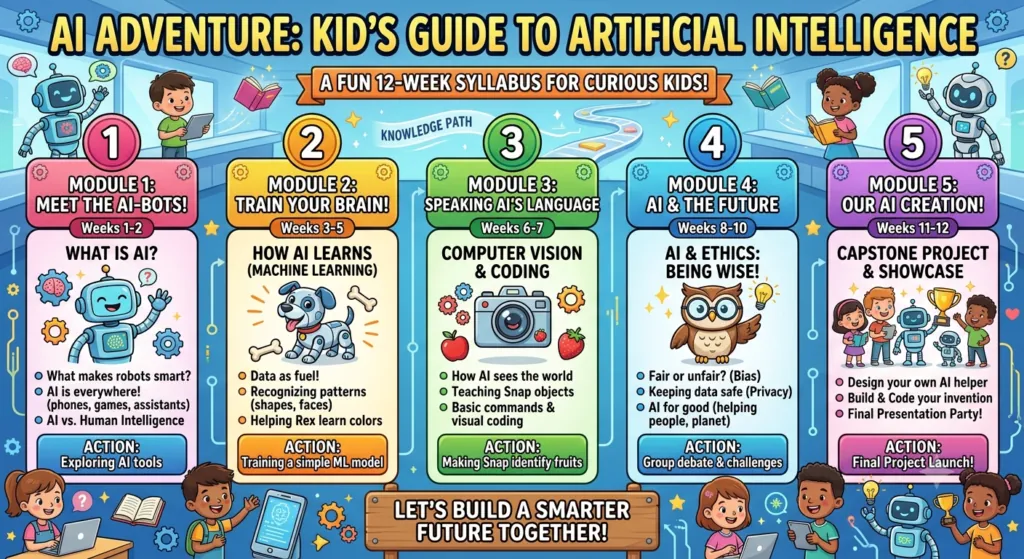
AI is already part of your child's day, from voice assistants and video recommendations to smart cameras. So what should kids actually learn about it? This AI course syllabus for kids breaks it down into simple modules, age-wise topics, fun projects and clear learning outcomes that parents and educators can use as a guide.
19 August 2026 · 13 min read
Read article

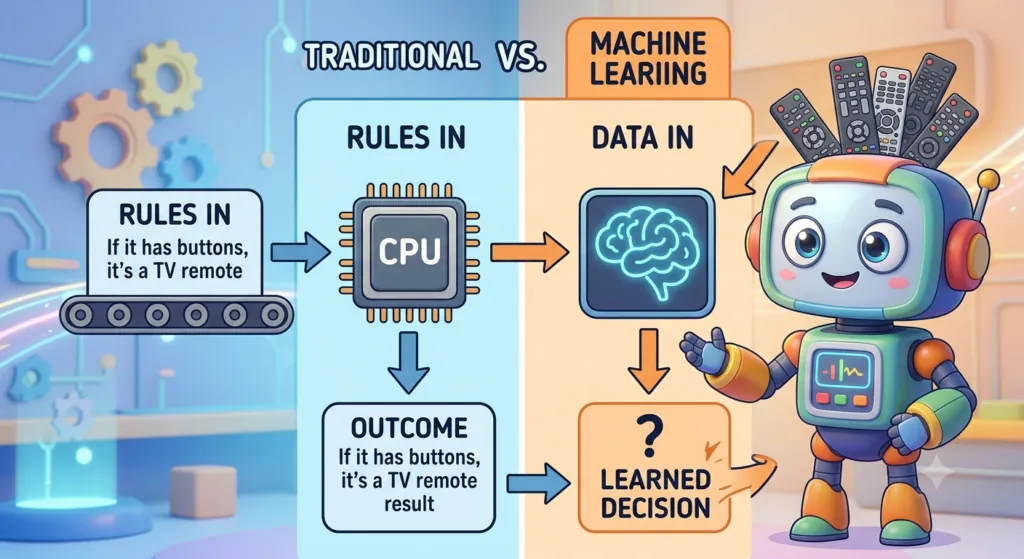
Python AI projects for kids turn coding into something children can see, hear and play with. Instead of only reading about Artificial Intelligence, young learners build small programs that answer questions, recognise pictures, play games and make decisions. Along the way they practise coding, logic, maths and problem-solving, one fun project at a time.
31 July 2026 · 12 min read
Read article
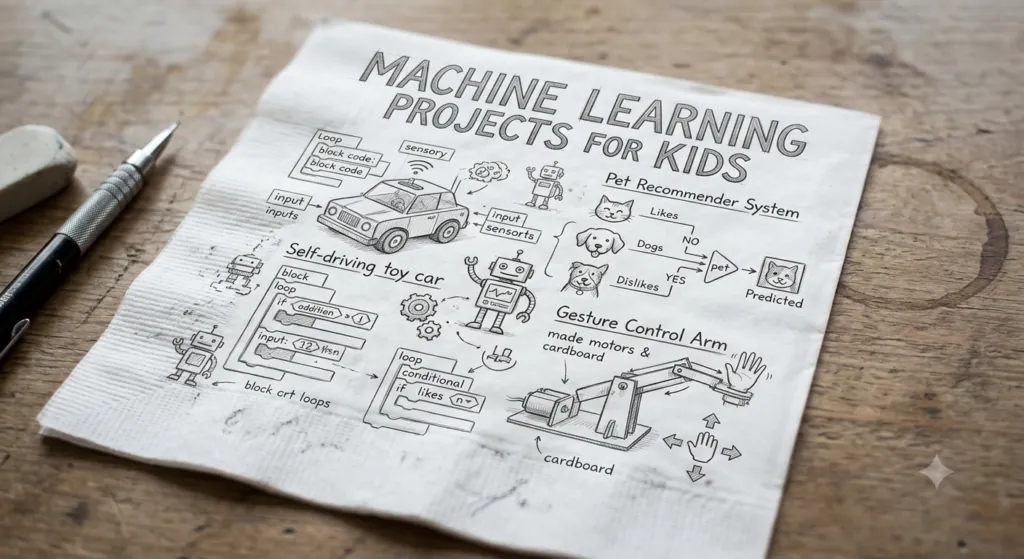
Machine learning projects for kids are a fun way to discover how computers spot patterns and make predictions. Machine learning is no longer only for university labs or software companies. Today, children can explore it through games, visual experiments, coding, robotics and creative projects, without starting with hard maths or complicated algorithms.
10 August 2026 · 15 min read
Read article
